Less noise.
EasyList and EasyPrivacy block matching ad and tracker requests locally. Actual blocked-request counts appear on your start page.
 JARVIS
The Jarvis presence you know. Now with a space of its own.
Browse here on the website, or choose the standalone Windows browser.
Windows x64 · Free standalone download · No bot or Owner EXE needed
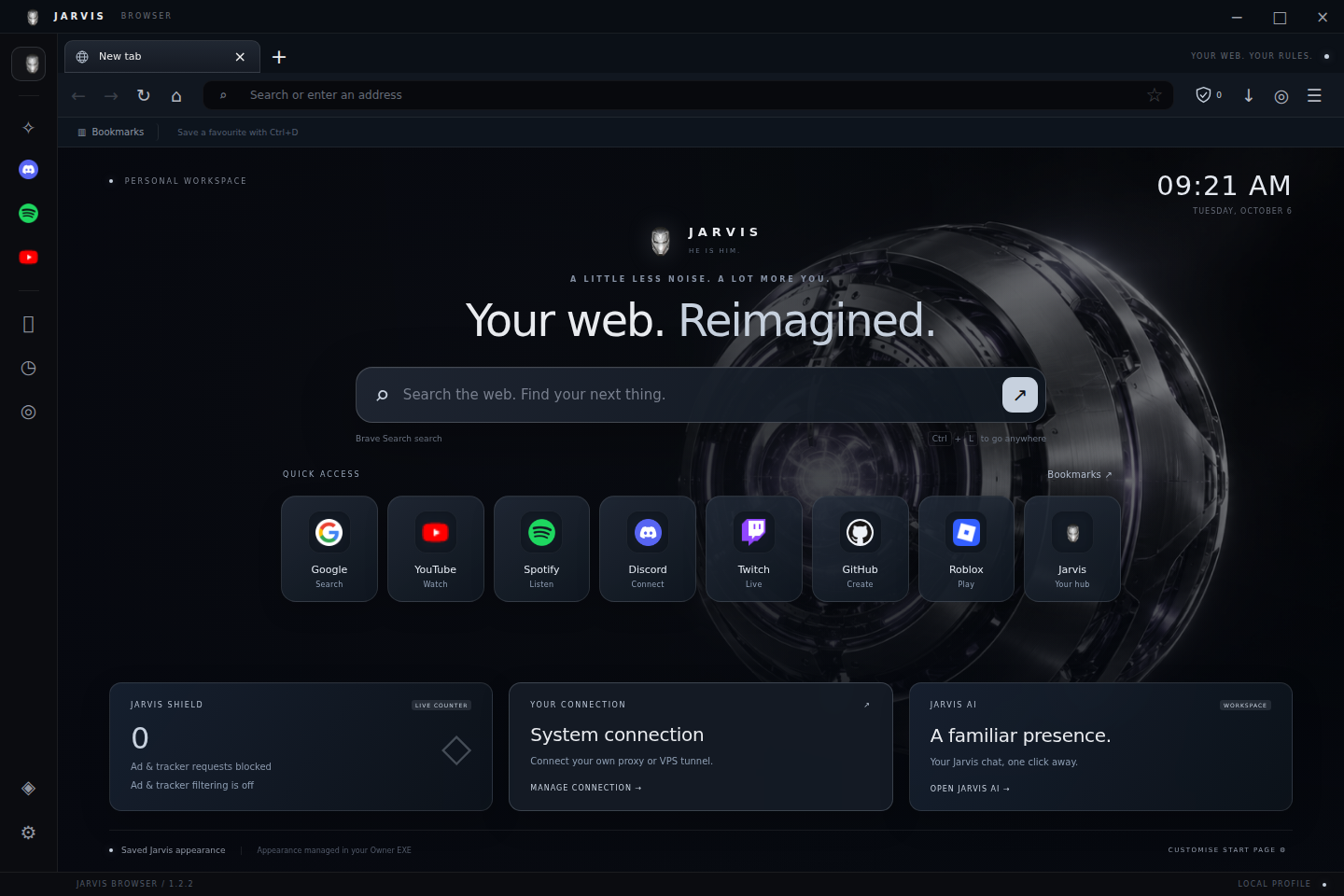
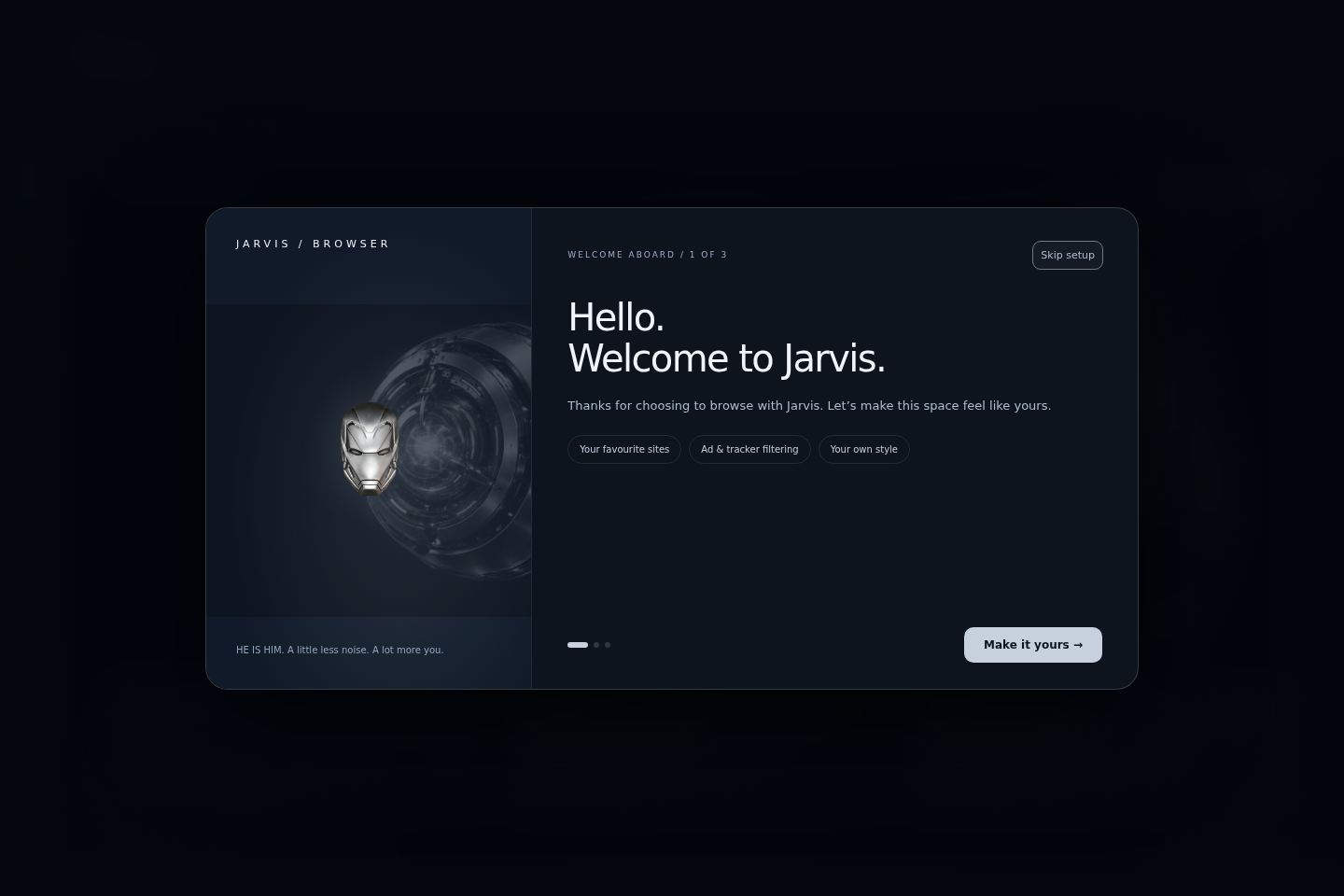
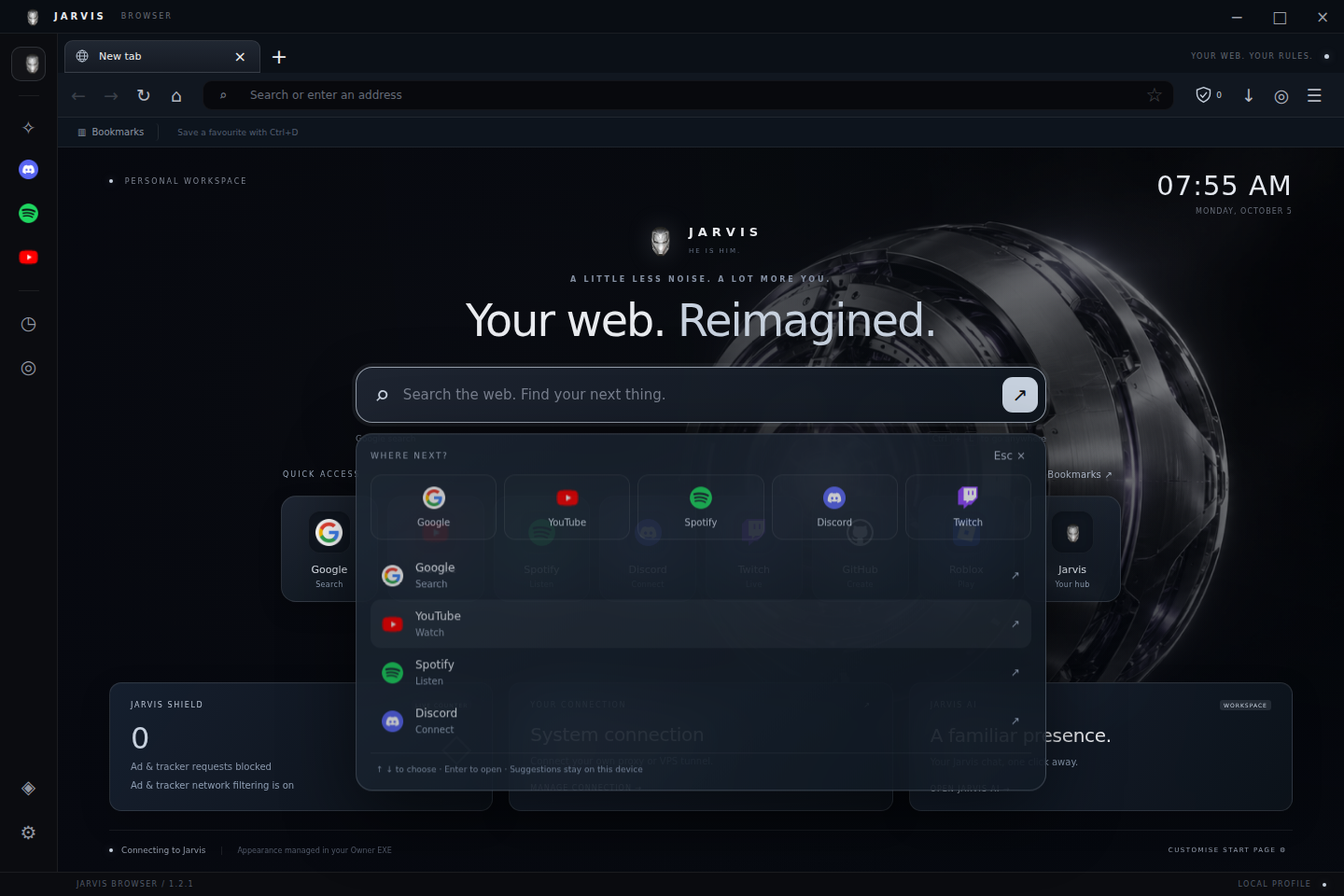
Meet Jarvis, choose Reactor, Midnight, Aurora or Ember, and set your search engine. Recognisable website shortcuts and local bookmark/history suggestions keep your next stop close.
EasyList and EasyPrivacy block matching ad and tracker requests locally. Actual blocked-request counts appear on your start page.
Use your own HTTP, HTTPS or SOCKS5 proxy. A configured proxy will not silently switch to a direct connection if it fails.
Executable downloads are blocked by default. Other files are held for Microsoft Defender scanning when it is available. Unscanned files are clearly labelled.
Connect your Jarvis account to the website, AI and browser services. Jarvis Support can help restore Jarvis access after verifying your identity. Desktop browsing works without a Jarvis account. The website browser uses your Jarvis account for its own temporary session.
Sign in / create Jarvis account ↗Jarvis Browser 1.2.2 is an unsigned first-generation desktop browser. No browser can guarantee protection against every virus, scam or unsafe website. Defender scanning depends on your Windows configuration; a reported pass is not proof that a file is harmless.
Normal website tabs use their own saved cookies, and sign-in popups are sandboxed. Google restricts embedded sign-in; its account shortcut opens your default browser and does not transfer that login to Jarvis.
No automatic browser updater, VPN service, Tor, Chrome Web Store or password manager is bundled. A proxy needs an endpoint or VPS tunnel you provide. It does not generate random public website addresses. AI uses the existing Jarvis website and its configured provider.
Read the installation and security guide →