



 HE IS HIM.
Your web.
Reimagined.
Search the web. Find your next thing.↗
 Google
 YouTube
 Spotify
 Discord
 Twitch
 GitHub
 JARVIS1.11.1
A reliable command system for every Discord community.
Add Jarvis to your Discord AppsA real farm. Your own private tools. A personality you control. Built for the things your community actually does.
Plant carrots, corn, and starflowers. Harvest virtual rewards and unlock six plots. Your crops keep growing between sessions.
/cash farm · /cash hunt · /cash questSplit a bill, set a focus countdown or find that note you saved. Useful commands in your Discord Apps, with private results.
/tools focus · /tools split-bill · /tools note-searchChoose polite, playful, or spicy replies. Test phrases, set a channel, or mute replies to yourself. Core chat uses built-in responses; it is not a general-purpose AI.
/trigger online · /trigger mode · /trigger testFive new tools. No AI credits, no public channel clutter. Add Jarvis to your apps, then choose a command in Discord.
Get a private countdown for your next study or work session. This displays a finish time; it does not send an alarm.
Split a total with an optional tip. Rounding is accounted for so everyone’s share adds up to the bill.
Compare the before and after values of a price, score or budget, and get the percentage increase or decrease.
Estimate how long a passage takes to read. Set your pace or use the default. Best for space-separated languages.
Search your own notes by title or content. Your search never includes another member’s notes.
Choose “Add to my apps.” In Discord, type /tools and pick Jarvis. Some communities restrict external apps.
Copy an example, then select the matching slash command and options in Discord.
Jarvis grows from actual support queues, community launches and late-night fixes. These are the practical details that keep the system useful after the first impression.
Members answer your questions before a private channel opens, so staff have useful context from the first message.
Jarvis blocks risky mass mentions unless Discord itself says that person is allowed to send them.
The public dashboard checks the signed-in Discord user and only exposes communities they can actually manage.

Find what Jarvis can do, how to use each command and which permissions it needs. Search in Discord with J help, or browse the complete command directory.
Explore the command guide ↗NEW / PLAY WITH FRIENDS
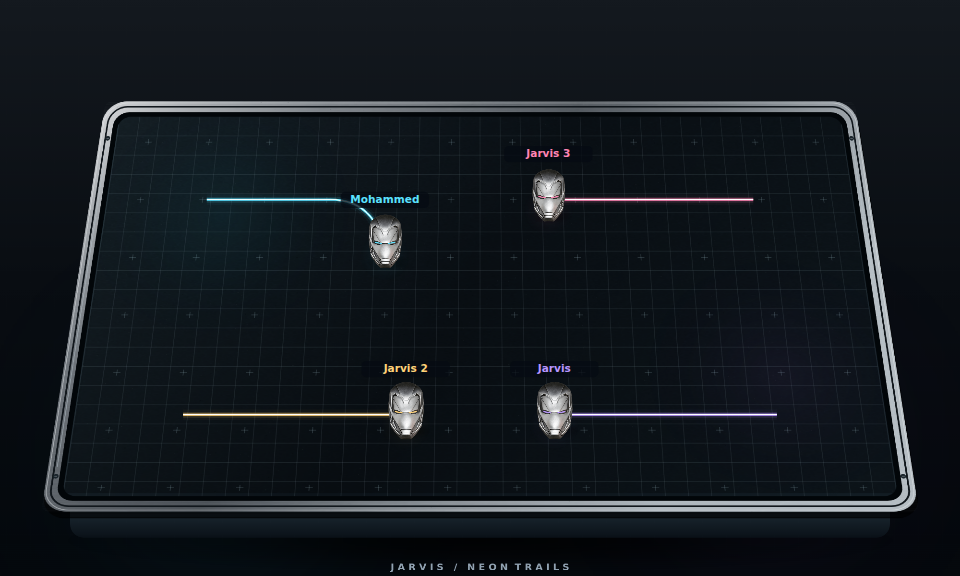
Leave a trail, read the gaps and outlast your friends. Five quick rounds.
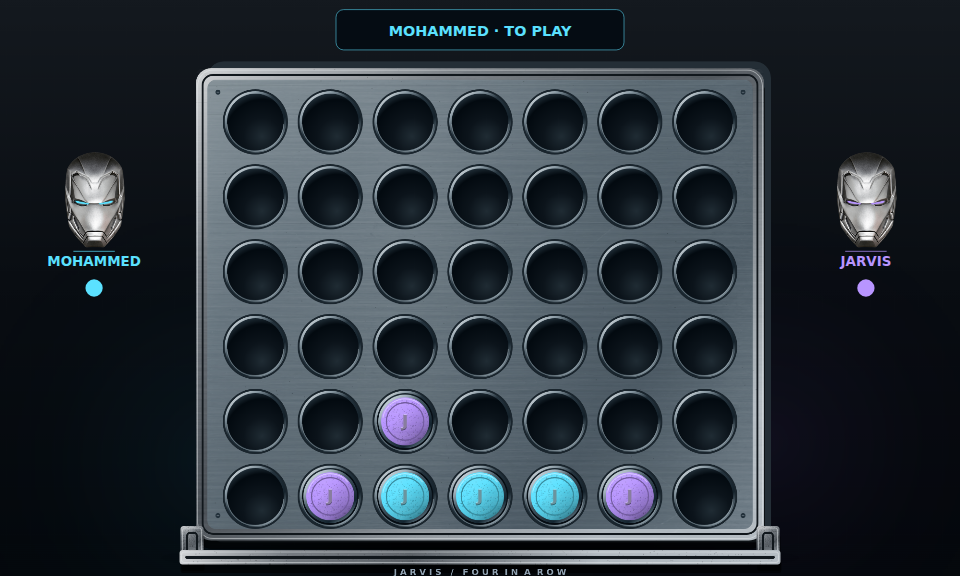
Play Neon TrailsConnect four counters before your opponent. Play online or practise with Jarvis.
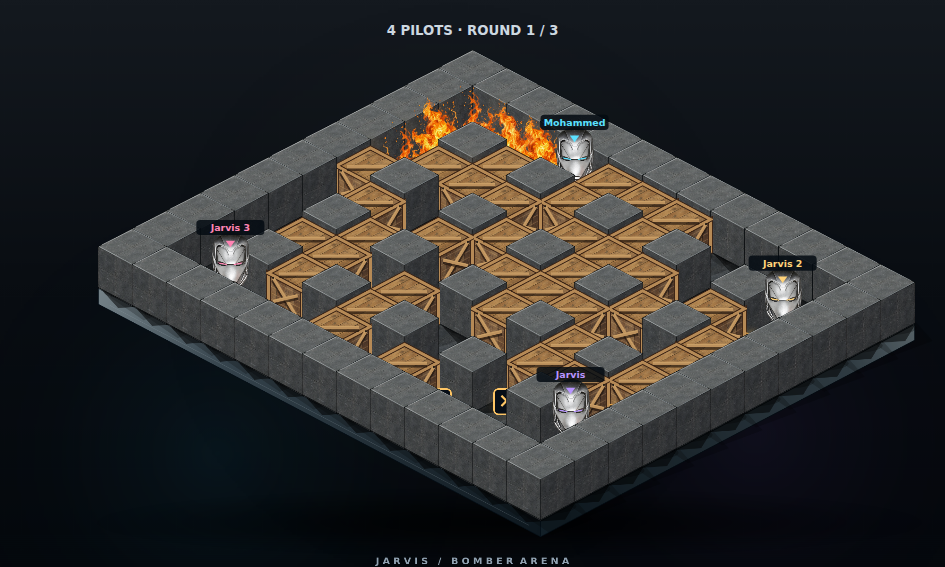
Play Four in a RowClear crates, collect upgrades and survive a shrinking arena.
Play Bomber ArenaPick a game. Choose your name. Make the board.
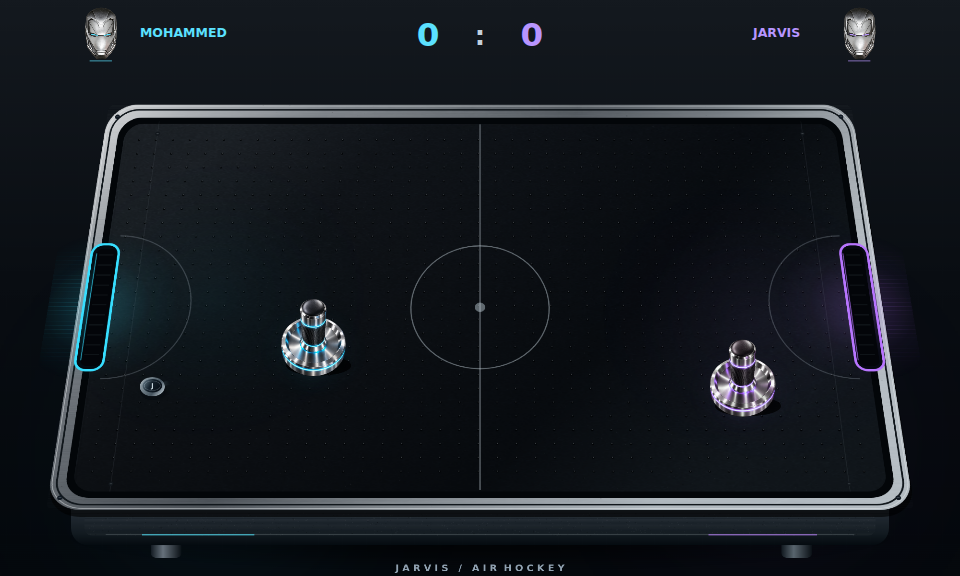
Fourteen games, including online 8 Ball Pool, Tower Flight and Jarvis Run. Pick your name and set your next best score.

Aim, set power and take your shot. Play Jarvis, share the table locally or invite friends with a private room code.

Rise, dive and thread moving gaps. Take Jarvis through the skyline and push for your next personal best.
Every game has weekly and all-time leaderboards. Bot-only and local multiplayer games are practice.
Dodge, jump and slide through the city. Follow the gold and set your next best run.
Challenge Jarvis for match points, or share the board with a friend on the same device.
Clear drone sectors, face the wardens and climb the pilot archive.
Watch the route, repeat the sequence and keep the reactor stable.
Commands are organized around useful systems instead of clutter. Slash commands plus !, ,, ., $ and classic J prefixes are supported where text-command use makes sense.
Intake forms, custom welcome text, staff claiming, escalation, transcripts, reopening and separate routing for every team.
Extended AI conversations are planned for the coming months. Built-in chat and personal tools already work without AI credits.
Anti-nuke monitoring, scam-image OCR, five-minute quarantines, recovery snapshots, verification and emergency lockdown.
Original economy, classic Mines, Blackjack, Slots, hunts, battles, quests, pets, crates and progression.
Run persistent giveaways and privately deliver owner-supplied prize links to winners without exposing them publicly.
Typo-tolerant discovery, provider-link matching, queues, playlists, loop, shuffle, seek, autoplay and private rooms.
Search by title, artist, a remembered lyric fragment or an imperfect spelling. Spotify and Apple Music links are read as track clues, then Jarvis searches matching public audio for Discord playback. SoundCloud is searched first, with YouTube used when available.
During protected VPS updates, Jarvis posts a live Discord status notice before commands pause. The public website switches to its own animated maintenance screen, while automatic recovery keeps private data protected.
A separate arcade mission that opens in its own tab, so the main Jarvis site stays clean. Fight hostile drones, clear sectors, unlock maps and save your best deployment locally and on the weekly/all-time pilot boards.
Create multiple panel identities for different teams. Members answer up to five custom questions before opening; Jarvis then creates a private case with your welcome message, staff routing and escalation timer.
Open a private channel and route it to the right team.
Extended AI is planned for the coming months. There is no fixed launch date yet, and it is not part of today’s core chat.
Greetings, supportive replies, farm and cash checks, relationship commands and your personal toolkit. No AI API needed.
Try core chat ↗Broader conversations and richer context, once the provider is configured and tested. Access limits will be shown before you use it.
Questions? Talk to support ↗Generate secure passwords, fictional demo personas and explicitly invalid demo gift/token props. Cross-server abuse and spam tools are intentionally replaced with permission-scoped server operations.
A living interface for voice, commands and operations—built to feel like Jarvis without getting in the way.
Discord voice and text-to-speech tools. This animation is a preview, not a live microphone or an active listening session.
Live service totals, refreshed while this page is open. Known users are accounts recorded by Jarvis, not every member of every server. Unavailable data is shown as “—”.
Choose a command to preview how Jarvis responds inside Discord.
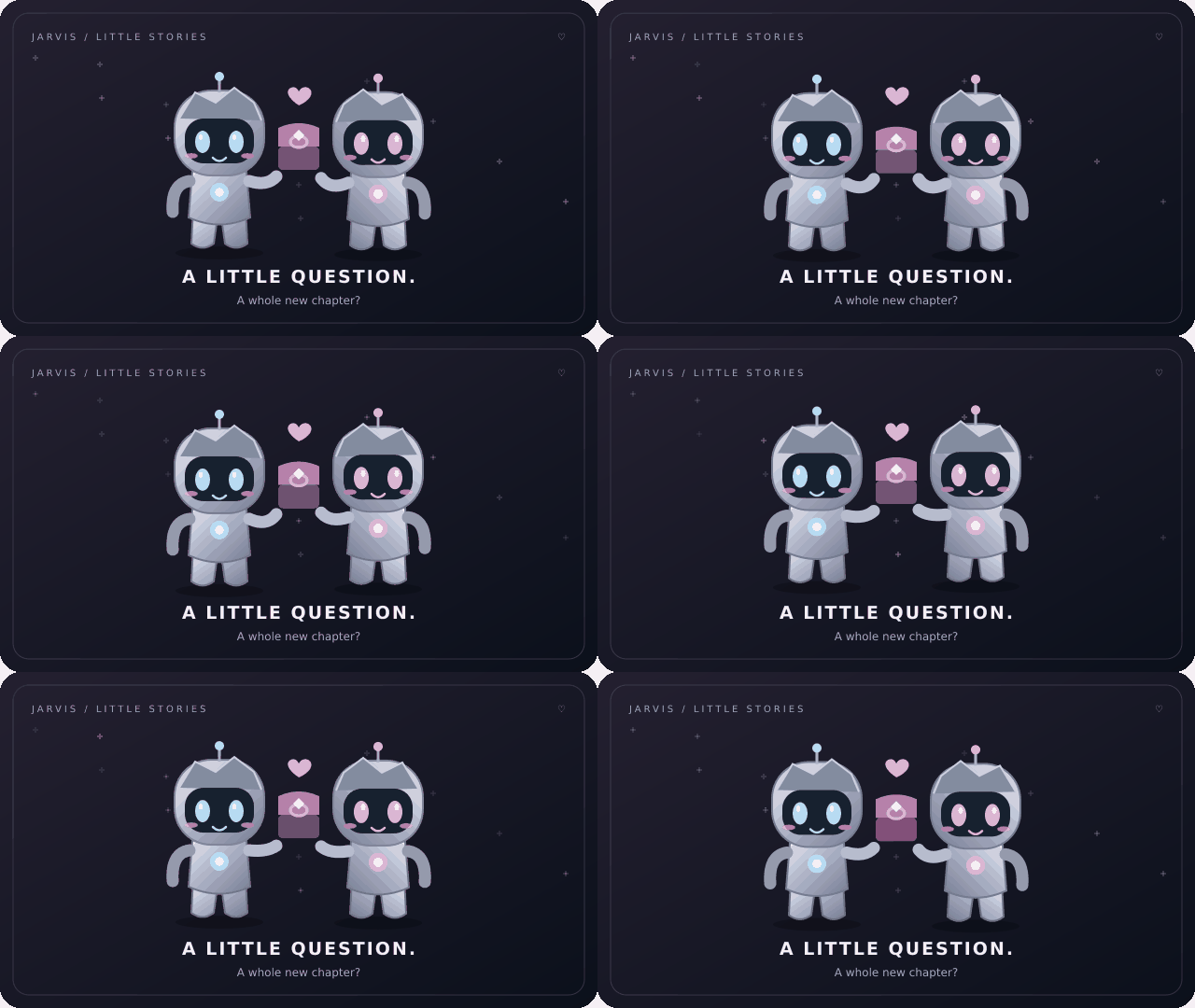
Send a proposal, accept it together, and let Jarvis show a small animated card for dating, marriage, a new chapter or a kind goodbye.
J date @user · J marry @user · J partner · J divorceCycle through the Jarvis modules and see how each one fits into the same command network.
Anti-nuke monitoring, scam-image OCR, snapshots, lockdowns and permission-scoped recovery reduce damage and shorten recovery time.
Current access is complimentary while Jarvis grows, gets tested in more servers and receives new systems. Paid sales are intentionally disabled on this website.
Grow the community, gather feedback and grant access manually.
More servers, stronger reliability, polished AI, tickets, games and operations.
Only after the owner is ready and the required legal/business setup has been completed.
User-installed Jarvis includes portable commands plus right-click tools for avatars, profiles, translation, quoting, message details and link extraction. The action catalog now includes 40,000+ safe names.
One bot. One control center. One identity.
A conversation after a long day. A farm quietly growing. A little story you choose together. Useful moments beyond the command list.
Built-in replies for greetings, a difficult day, a farm check or your cash balance. Broader AI conversations are available when the owner connects the AI service.
Hi Jarvis, how are you?A robotic companion, not a therapist or emergency service.
Date first, or send a marriage proposal. Your partner chooses whether to accept. See your relationship, celebrate your start date, or end it when you choose.
J marry @userVirtual relationships with real consent. No forced links.
A comforting reaction, a cozy cuddle or a goodnight GIF. Share affection when it is welcome, or find a small moment of calm for yourself.
J mood comfortEight focused moods. GIF availability depends on the animation provider.
Chat, crops, relationships and your access in one matching desktop space. Enter your personal code, sign in with Discord, and activate your installation. One account, one desktop device, with self-service device recovery once per 24 hours. The private Owner app stays separate.
Download Member for Windows ↧Windows 10/11 x64 · Run the .exe installer · Free Early Access · Owner-issued personal code required
The server checks active grants. Expired features do not stay unlocked because the app is open. The Owner EXE is distributed privately.
Free: core chat, personal tools, farm status, relationships and mood GIFs. Jarvis+: couple-card styles; extended AI is planned. Jarvis Pro: companion colour themes, plus existing Pro features. Owner: owner-only operations stay in the private console.
No guessing which app, account or access you need.
A server install enables moderation, tickets and voice in a community you manage. A user install keeps portable commands with your Discord account. You can use both. Add to my apps ↗
Members use Jarvis Member. Run its single .exe installer, then use your owner-issued activation code with your Discord account. The separate Owner app is private; a Member licence never grants owner controls.
No. The new personal tools and built-in core chat work without AI credits. Extended AI is planned for the coming months; there is no confirmed release date.
Use Update now when a newer app release appears, or Check for updates from its menu. Jarvis keeps its installation identity and existing app profile. A new device or a lost installation needs recovery; an ordinary update does not.
Use “Hide effects” in the Halloween banner. Falling drops also respect reduced-motion preferences. The event switches off automatically at 05:00 CET on 1 November 2026, five hours after Halloween ends in Berlin.
A familiar space for your next thing. Browse inside Jarvis, or take the standalone browser to Windows.
The web edition uses your Jarvis account. Open desktop app launches the installed Windows browser.Created and developed by Mohammed H/N and Phil. Shaped with ideas for its games, browser and appearance.
Created and developed the complete Jarvis project with Phil. Also created games and contributed to styling and appearance.
Created and developed the complete Jarvis project with Mohammed H/N.
Contributed game ideas, helped add games and guided browser improvements.
Contributed ideas and feedback for Jarvis’s style and appearance.
Contributed ideas and feedback for Jarvis’s style and appearance.
Contributed ideas and feedback for Jarvis’s style and appearance.
Games: Mohammed H/N also created games. Elias B contributed game ideas and helped add games, and guided browser improvements.
Style & appearance: Adrian L, Mohammed H/N, Sebastian J, Can-Luca C/S.
Meet the creatorsCOMMUNITY / OWNER-APPROVED FEEDBACK
0 approved reviews